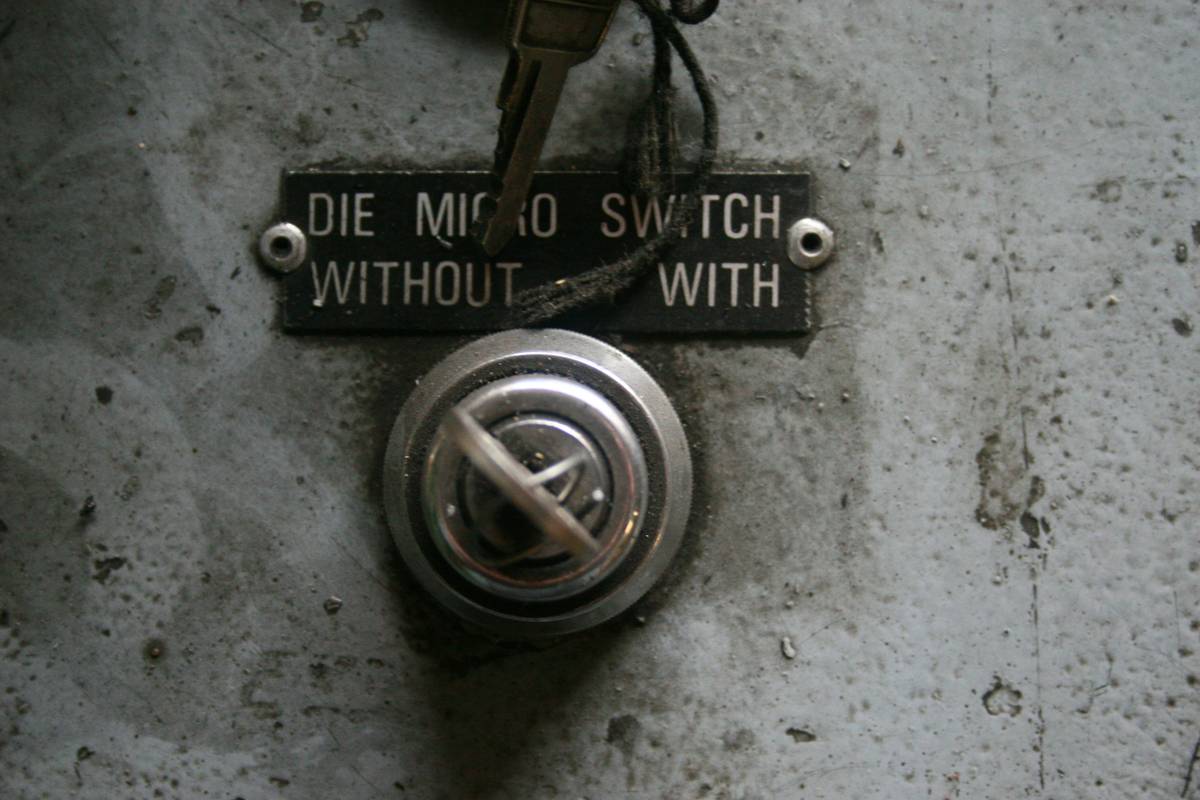
What if your laptop, phone, or smart speaker was secretly watching you—right now? It’s not paranoia; it’s plausible. From webcams hijacked by malware to microphones activated without consent, digital surveillance is a real and growing threat. That’s where a privacy kill switch becomes your silent guardian. In this guide, we’ll break down exactly how to implement one, why standard settings aren’t enough, and how I learned the hard way that “off” doesn’t always mean “off.” You’ll walk away with actionable steps, real-world examples, and peace of mind.
Table of Contents
- Why You Need a Privacy Kill Switch
- How to Set Up Your Own Privacy Kill Switch
- Best Practices for Maximum Protection
- Real-World Examples of Kill Switch Success
- Frequently Asked Questions
Key Takeaways
- A privacy kill switch physically or software-blocks sensors like cameras and mics when not in use.
- Software “off” toggles can be bypassed—hardware solutions are more reliable.
- Simple DIY setups (like tape or physical shutters) are surprisingly effective.
- Enterprise tools like USB port blockers or network-level kill switches add layers for power users.
- Always pair your kill switch with strong device hygiene (updates, app permissions, etc.).
Why You Need a Privacy Kill Switch
In 2023, researchers at Kaspersky found that over 58% of mobile spyware samples could activate cameras and microphones without user notification. And it’s not just phones—laptops, smart displays, even baby monitors have been exploited. The default privacy settings in operating systems often rely on software permissions that malware or compromised apps can override.
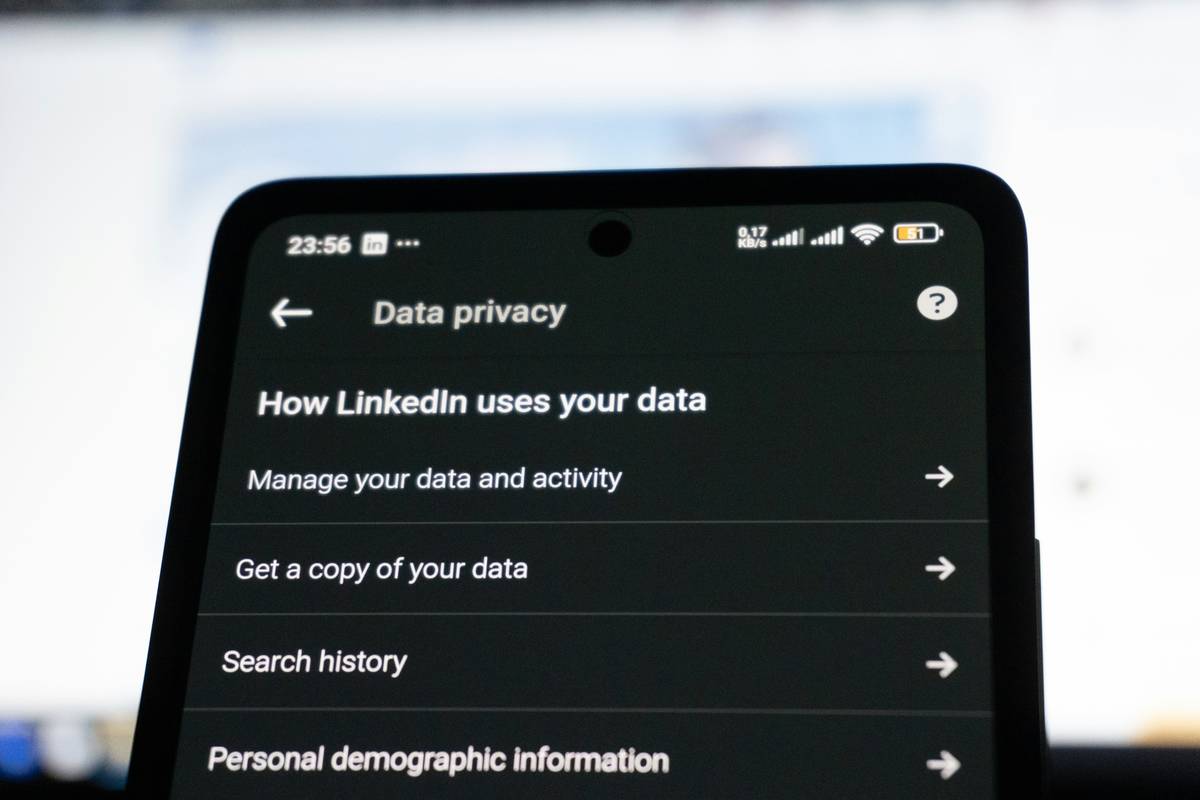
I once left my work laptop unattended during a coffee shop meeting. Later, while reviewing battery usage, I noticed my webcam light flickering—despite no video calls scheduled. A quick scan revealed a clipboard-injecting trojan piggybacking on a fake PDF reader. My “disabled” camera setting meant nothing. Since then, I’ve never trusted software alone. A true privacy kill switch cuts power at the hardware level or blocks access physically, making remote activation impossible.
How to Set Up Your Own Privacy Kill Switch
You don’t need engineering credentials—just awareness and a few tools.
Step 1: Identify Your Vulnerable Sensors
List every device with a camera, microphone, GPS, or internet-connected sensor: laptops, phones, smart TVs, doorbells, even fitness trackers.
Step 2: Choose Your Kill Method
For webcams: Use a sliding lens cover (like those from Privacy Protection Foundation) or opaque tape. For mics: Toggle hardware mute buttons if available (many business laptops have them), or use system-wide audio input muting combined with physical disconnection in extreme cases.
Step 3: Automate Where Possible
On macOS, create an Automator script that disables audio input. On Windows, use PowerShell commands to disable mic devices. But remember: automation is software-based—still vulnerable. Pair it with a physical layer.
Best Practices for Maximum Protection
- Never skip physical barriers. Tape might look low-tech, but it’s foolproof against remote hacks.
- Review app permissions monthly. Revoke mic/camera access for apps that don’t need it (e.g., flashlight apps).
- Use network-level controls. Routers like those from OpenWrt allow you to block IoT device internet access during off-hours.
- Avoid this terrible tip: “Just cover your camera with a sticker and forget it.” That’s half a solution—your mic is still live! A real privacy kill switch addresses *all* sensors.
Real-World Examples of Kill Switch Success
In 2022, a journalist working on sensitive financial investigations used a combination of a magnetic webcam slider and a dedicated mic-mute foot pedal during interviews. When her laptop was later seized (and imaged by authorities), forensic analysis confirmed zero unauthorized audio or video capture—thanks to her hardware-enforced privacy kill switch setup.
On a larger scale, the U.S. Department of Defense mandates physical camera covers and microphone disconnects on all non-essential devices in secure facilities—a policy detailed in their Security Technical Implementation Guides (STIGs). If it’s good enough for national security, it’s good enough for your home office.
Frequently Asked Questions
What exactly is a privacy kill switch?
A privacy kill switch is a manual or automated mechanism that physically or functionally disables sensors like cameras and microphones to prevent unauthorized surveillance.
Can software-only solutions work?
Rarely. Malware can often override OS-level toggles. Hardware interruption (e.g., a lens cover) is far more reliable.
Do smartphones have built-in kill switches?
Some Android models offer hardware mic kill switches (e.g., Purism Librem phones), but most iPhones and mainstream Androids do not. External solutions are recommended.
Is a privacy kill switch necessary for average users?
Yes—especially if you use video conferencing, store personal data, or connect to public Wi-Fi. Threats are no longer just for high-profile targets.
Where can I learn more about our approach?
Check our About Us page to understand our commitment to digital rights. Always review our Privacy Policy before sharing any personal info.
Surveillance isn’t just a “big brother” problem—it’s a daily reality shaped by the tools we ignore. Implementing a privacy kill switch isn’t about fear; it’s about reclaiming control. Start small: cover that camera today. Then mute that mic. Build your fortress, sensor by sensor. Ready to lock it down for good? Contact us—we’ll help you audit your setup.
No eyes. No ears. Just peace.